Used action cameras: dry-land recording before water claims
Quick answer
Identify the exact camera, battery and supported media, then record and review a fresh clip in the modes you need. Inspect the lens cover, doors, seals and mounts on dry land, and ask about impacts, water exposure and repairs. A model’s original water-resistance specification is not proof of a used unit’s present sealing, and a pickup dunk test is a poor shortcut.
Choose the recording job and complete mounting setup
Write down the intended activity, recording mode, audio needs and mount. A camera for dry walking footage has different requirements from one intended for water, motorcycling or a long unattended recording. Check what the exact model supports, including battery and memory-card requirements, rather than relying on a family name such as HERO.
Ask for the model, included batteries, charger, media, doors, lens covers, housings and mounting parts. Record whether anything has been replaced. A housing or door from a nearby generation may not be the correct part. Adhesive or safety-critical mounting accessories need their own suitable fresh installation; an old sticky mount in the bundle is not automatically ready for reuse.
Current manufacturer instructions are the starting point. GoPro’s HERO13 setup resources link operation and care for that model. Older models have different designs and requirements; use their own manuals rather than a generic action-camera routine.
Inspect on dry land with the power off
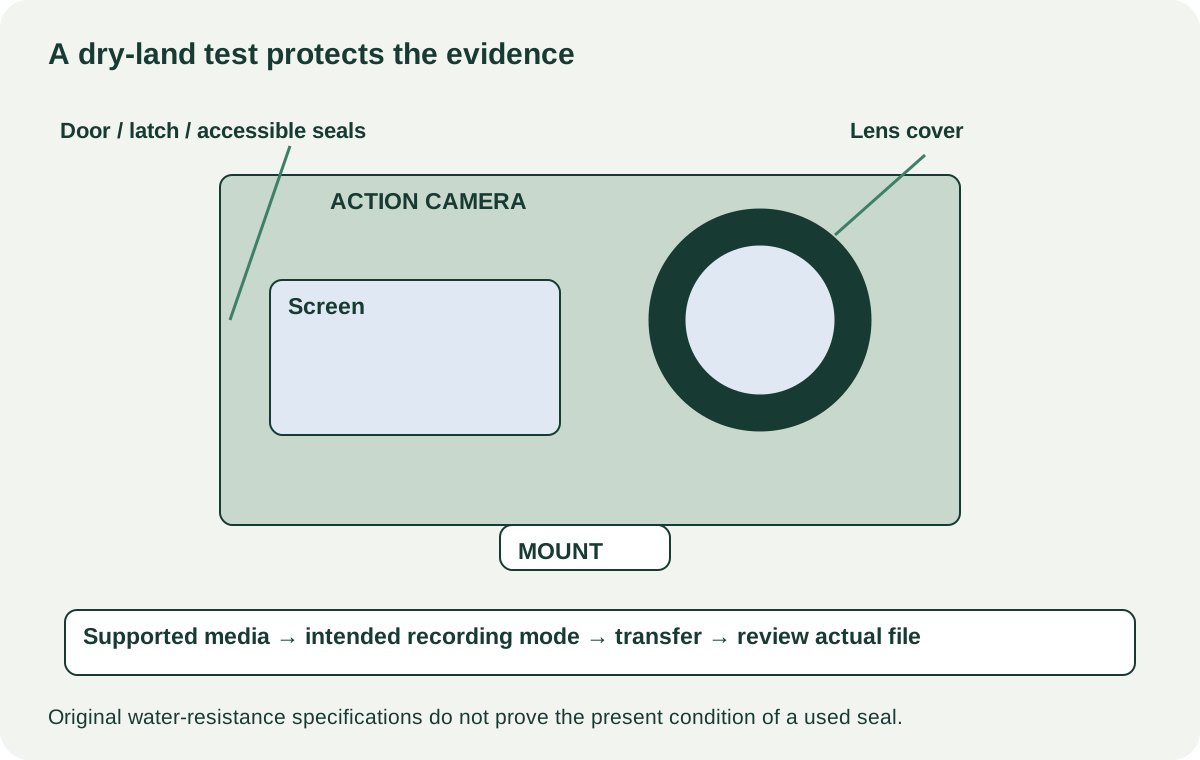
Look for cracks, impacts, loose doors, damaged latches, corroded contacts and scratches or haze on the lens cover. Ask about salt water, drops, repairs and any past moisture inside the camera. A clear external lens cover does not establish that the internal optics or electronics escaped damage.
Inspect accessible seals without pulling them out or applying improvised lubricant. GoPro’s HERO7 Silver manual illustrates the importance of correctly closed, clean doors and model-specific care. That documentation describes the design’s conditions; it does not certify the sealing of a particular used unit.
Do not submerge the camera at pickup to prove a claim. A short dunk can damage it and still does not establish dependable performance at the intended depth or duration. If water use is essential, obtain appropriate manufacturer or qualified-service advice about condition, parts and any available assessment. An unsupported seller assurance is not a substitute.
 Enlarge diagram
Make a new clip in the actual mode you need
Use supported expendable media and the correct battery or power arrangement. Never format the seller’s card without explicit agreement; bring an empty compatible card when practical. Have the seller start normally and check screen, touch areas, buttons and lens view.
Record ordinary motion in the intended resolution and frame rate, with the stabilisation setting you expect to use. Speak a short identifier so the file is clearly from this test. Stop normally, play the clip locally and transfer it through the supported route. Open the transferred file and confirm image, sound, duration and usable playback.
If your plan includes an external microphone or media accessory, test the exact supported adapter and configuration. A working built-in microphone does not clear an accessory port. Likewise, a USB charging light does not prove data transfer, webcam mode or external recording support.
| Requirement | Evidence to record |
|---|---|
| Video | Actual mode, stabilisation setting and fresh clip |
| Audio | Built-in or required supported external path |
| Storage | Exact card and file saved/reopened successfully |
| Power | Correct battery, charging and short unplugged observation |
| Mounting | Correct interface, secure supported parts and no cracked attachment |
| Water use | Condition/history and appropriate assessment; no assumed seal guarantee |
Interpret heat and battery behaviour in context
Small cameras can behave differently depending on recording mode, airflow, ambient conditions and settings. Use the exact manual for limits and warnings. A brief desktop recording is not a universal endurance test, and a shutdown should not automatically be dismissed as normal without matching the documented conditions.
Record any warning, unexpected stop or sudden battery drop. Repeat only under supported conditions. If the cause remains unclear, seek assessment or choose another camera for dependable recording. Do not continue using a swollen, damaged or abnormally hot battery to extract a test result.
Ask about battery replacements and price the exact supported type. A bundle’s third-party batteries need their own compatibility and condition evaluation. Do not count the number of packs as guaranteed hours of recording.
Price the usable camera and accessories
A hypothetical camera costs $120, with $35 for a correct battery, $25 for supported media and $20 for needed mounting parts: $200 before collection. A $185 complete unit that passes your mode and file checks may be a better purchase. These are examples, and water-sealing uncertainty should not become a guessed small maintenance fee.
Known missing doors or lens covers are negotiable only after correct replacements and suitability are established. Unresolved water damage, recurring recording errors or a cracked attachment deserves a different decision. A cheap camera that cannot safely mount or save the intended footage is not ready for that activity.
After demonstration, have the seller remove personal media and supported account or wireless associations. Verify your own setup where required. Pack the camera with the included doors, caps and protective case, and check the actual mounting and recording procedure again before the first activity. The valuable evidence is a usable new file and a sound complete setup, not old adventure footage in the listing.