Used synthesizers: sound, controls and reliable recall
Quick answer
Identify whether the listing is a sound-generating synthesizer, module or controller, then test a simple patch across the required keys and controls. Demonstrate audio, MIDI/USB and save/recall functions separately. Verify the exact power supply, current support and any expansion or licence transfer before pricing a complete playable setup.
Identify what makes the sound
A keyboard can generate sound internally, control software, or do both. A module can produce sound but need an external controller. Record the exact model, keybed or module version, firmware and any fitted expansion hardware. Check what the instrument can do standalone and what depends on a computer, account or external device.
Decide the musical task: learning sound design, live performance, a particular synthesis method or integration into an existing studio. A large sound library is less important if the controls and connections needed for that task are absent. Do not treat an arranger, digital piano, MIDI controller and synthesizer as interchangeable because all have keys.
Ask about repairs, replaced controls, battery work, user modifications and storage history. A vintage or unusually expensive instrument may justify specialist assessment. A short purchase test cannot establish internal originality, calibration or the future availability of proprietary parts.
Choose a simple patch that exposes controls
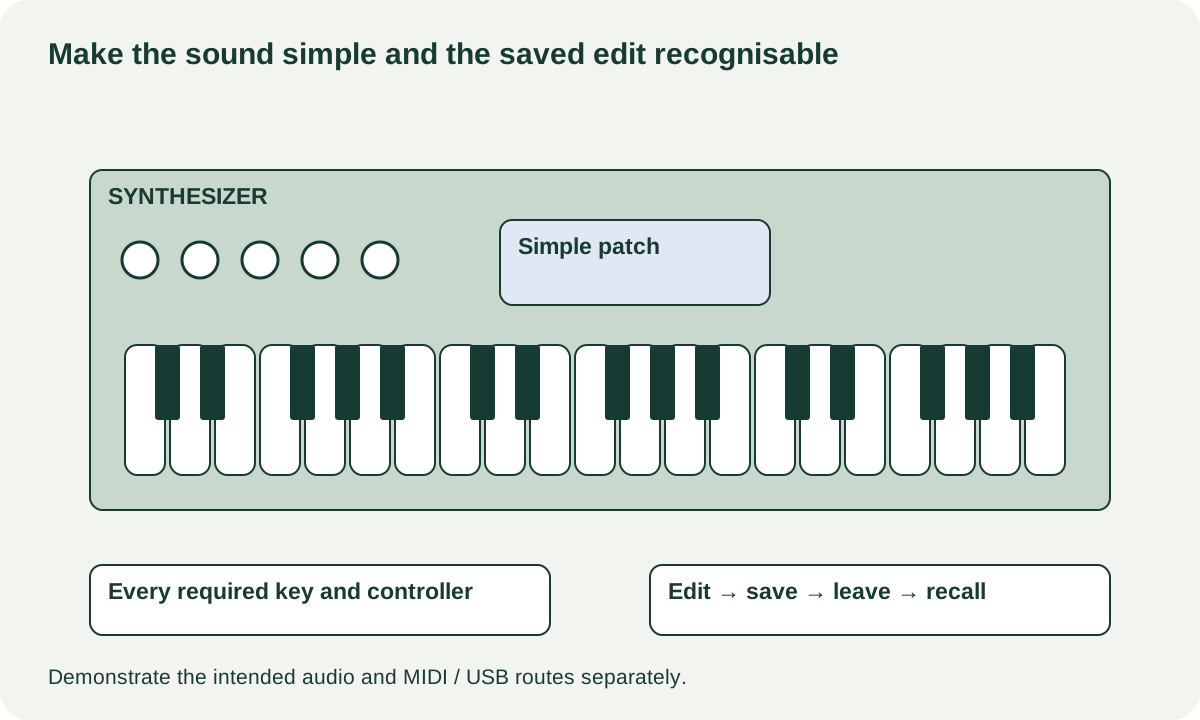
Have the seller select a straightforward sound with an immediate response and little processing, using the instrument’s supported controls. A complex evolving pad or sequence can conceal a missed key or unstable controller. Do not reset the seller’s instrument or overwrite their programs without agreement.
For a keyboard, play every key at ordinary soft and firm levels where velocity response is supported. Compare neighbouring keys and repeat any suspect note. Test aftertouch, wheels, pedals and other controllers only if the model supports them and they matter to you. A feature’s absence from the design is different from a failed feature.
For a module, use a known compatible controller and check the actual notes and controls you will send. MIDI activity is not proof of an audio output, and a sound from the headphones does not establish every rear output. Record which paths you demonstrated.
Roland’s JUNO-DS parameter guide distinguishes editable settings, MIDI behaviour and the write operation for saving changes. Its owner-manual library provides the corresponding operation and MIDI documents. Use the exact manual for your instrument rather than expecting every synth to share that workflow.
 Enlarge diagram
Sweep controls through normal musical use
Try the knobs, sliders, encoders, buttons and display areas relevant to the sound. Move a filter or another plainly audible parameter through a normal range and confirm the response. An encoder that jumps unpredictably, a button that needs excessive pressure or a slider that cuts out deserves a specific note.
Return controls to a sensible state between comparisons. Some parameter behaviour is stepped or intentionally unusual, so check the manual before calling every audible change a fault. If the seller attributes a persistent problem to an unknown setting, have them demonstrate the correct setting and repeat the same simple test.
Inspect the case, sockets, key alignment and power connection. Check for corrosion in accessible battery compartments and ask about spill history. Do not open the chassis, adjust internal tuning components or spray controls. Unexplained instability is a service question even when the instrument sounds impressive for a few notes.
Save something you can recognise and retrieve
Agree an empty user location or expendable project with the seller. Make one small identifiable edit, save it using the documented procedure, move to another patch and return. If a normal restart is part of the agreed test, confirm the saved change remains afterward. Preserve the seller’s data and let them back it up before any reset.
Test supported removable media or computer transfer when central to your workflow. A USB socket may carry MIDI, audio, storage or a limited combination; look up the actual role. Check current driver/editor support for your OS before paying extra for computer integration.
| Evidence | What it clears |
|---|---|
| Every required key/controller on a simple patch | Ordinary input response during the visit |
| Main and headphone outputs separately | Those demonstrated audio paths |
| MIDI/USB through your intended host | The specific supported connection tested |
| Saved edit recalled correctly | That save/recall operation, not lifetime storage reliability |
| Expansion and licence documentation | Only the rights and components actually confirmed |
Value a complete instrument without buying someone else’s account
Separate hardware expansions from software entitlements and personal sound libraries. Ask the maker’s current transfer policy before assigning a premium to paid content. The seller’s account credentials should not become your setup. A collection of presets with unclear rights or no supported transfer path can be valued at zero while the instrument remains useful on its own.
A hypothetical module costs $180, but a correct supply is $45, a needed controller $70 and collection $15: $310. A $290 keyboard version may be the better complete route if its keybed and functions meet the same task. These are example inputs, not model prices.
Buy when sound generation, required controls, connections and recall are demonstrated. Negotiate confirmed accessory gaps or cosmetic issues. Obtain a service assessment for intermittent notes, unexplained tuning or control faults, and unavailable essential parts. The useful purchase is an instrument you can play, connect and maintain, not a long list of sounds you cannot reliably recall.